Here's how I did it, I ended up using two A4 laminating sheets (perfect size for the silhouette).

I started by laminating one sheet
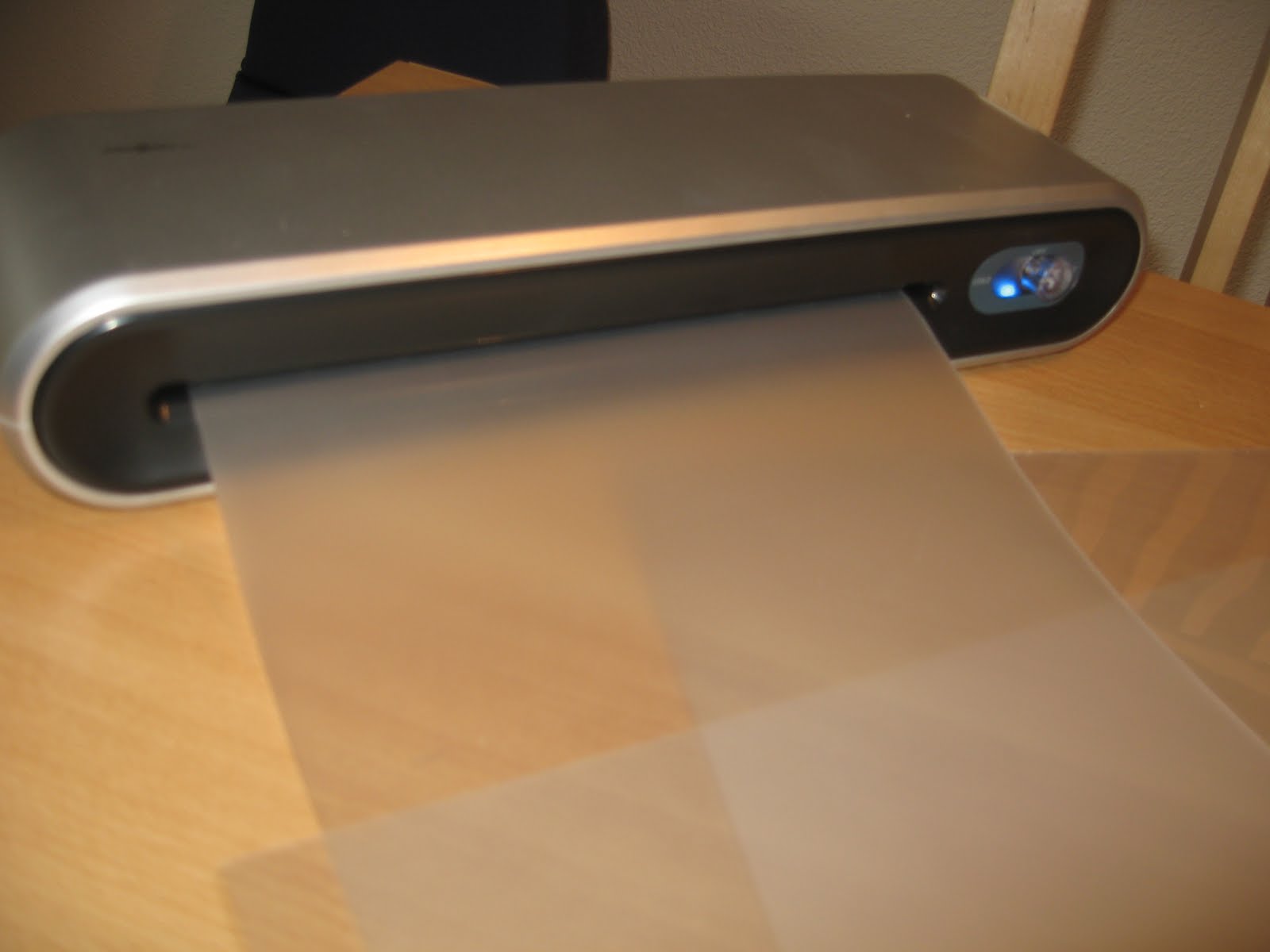 Then I stuck the laminated sheet into a new A4 sheet and put that through my laminator.
 You now have a base carrier sheet that is just as thick as the ones that come with the silhouette (maybe slightly thicker but that's not a problem, it also depends on the quality of your laminating sheets some are thicker than others, mine were pretty thin). So then I added tape to the edges.
 I bought a re-positionable spray adhesive at a store near by (migros Colle x fois 11.70 sfr.) and just sprayed a few coats of glue onto my sheet, It's probably best to put too much glue rather than too little because if it is too sticky all you need to do is go over it with an old cotton shirt or something that will make it less sticky.
 Then after I let it dry an hour or so I just removed the tape. That evening I tried the sheet with thick card stock and it worked just fine. You could just spray some glue onto your original carrier sheet but after a while I think the blade will ruin the sheet so you'll eventually have to get (or make) a new one. You could also print a grid off your computer and laminate that if you like to use the grid.
